

If you have a website and you care even a little about search traffic, then at some point you’ve probably heard someone say: “Check your analytics.” And usually they mean Google Analytics. But honestly, for a lot of beginners it feels confusing. Numbers everywhere. Graphs. Sessions, users, bounce rate, engagement time… it’s easy to get lost.
The truth is, Google Analytics can become one of the most powerful tools for improving your SEO if you learn how to read it. Not perfectly. Just enough to understand what’s happening on your site.
This article will walk through practical ways to use Google Analytics to improve your SEO, find opportunities, and fix problems.
Understanding What Google Analytics Actually Does
Before jumping into SEO improvements, it helps to understand what Google Analytics really tracks.
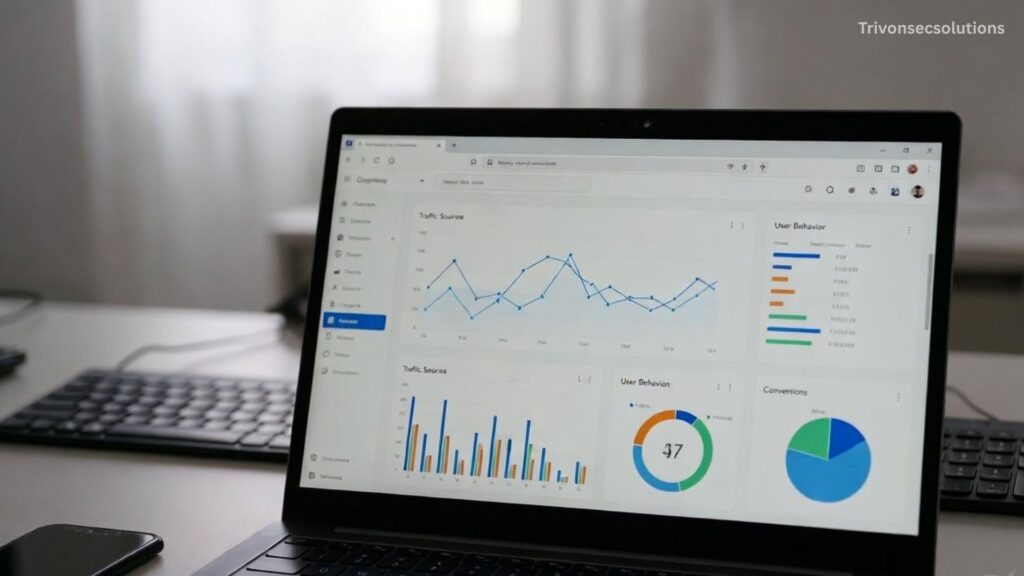
Basically, it shows how people interact with your website. It tells you things like:
- How many people visit your site
- Which pages they visit
- How long they stay
- Where they came from
- What device they used
From an SEO perspective, this data helps answer a few important questions:
- Which pages are bringing organic traffic?
- Which pages are losing visitors quickly?
- What topics are attracting search users?
- Where are visitors dropping off?
Instead of guessing what works, you can actually see it.
Find Your Organic Traffic
One of the first things you should check is how much traffic is coming from search engines.
Inside Google Analytics, go to:
Reports → Acquisition → Traffic acquisition
Then look for Organic Search.
This shows visitors who arrived through search engines like Google.
Why is this important?
Because it tells you if your SEO efforts are actually working. If organic traffic is slowly increasing over months, it means search visibility is improving.
But if it’s flat or dropping, that’s a sign something might be wrong.
Sometimes people spend months publishing blog posts without realizing that none of them are bringing search traffic. Analytics exposes that quickly.
Also Read: How to Use Video to Improve Your SEO in 2026?
Discover Your Top SEO Pages
Another useful step is finding out which pages already attract search traffic.

Go to:
Reports → Engagement → Pages and Screens
Then filter by Organic Search traffic.
You’ll see pages that users visit most from search engines.
These pages are gold.
Why?
Because Google has already decided they’re relevant to something people search for.
Instead of always creating new content, you can improve these existing pages.
Here are a few easy improvements:
- Add updated information
- Expand the content
- Improve headings
- Add internal links
- Optimize keywords
Often, improving a page that already ranks can increase traffic faster than writing something new.
Look at Pages With High Traffic but Low Engagement
Not every page performs well, even if it gets traffic.
Some pages receive visitors from search, but people leave almost immediately.
In Google Analytics, look at metrics like:
- Engagement time
- Bounce rate (or engagement rate in GA4)
If a page gets many visitors but very low engagement, something may be wrong.
Possible problems include:
- Content not matching search intent
- Poor readability
- Slow loading page
- Too many ads or distractions
- Weak introduction
When users leave quickly, search engines may interpret that as a poor experience.
Improving these pages can help your SEO performance over time.
Identify Pages That Need More SEO
Google Analytics also helps you spot pages that deserve more attention.
Sometimes you’ll notice pages that:
- Have decent engagement
- Provide useful information
- But receive almost no organic traffic
That usually means they are not properly optimized for search.
In that case you can:
- Improve keyword targeting
- Add better headings
- Write a stronger meta title
- Improve internal linking
- Update content depth
Analytics doesn’t directly show keywords (that’s where Google Search Console helps), but it still shows which pages are underperforming.
Those pages are opportunities.
Understand User Behavior on Your Website
SEO is not only about rankings. It’s also about user experience.
Search engines want to show pages that satisfy visitors.
Google Analytics shows behavior patterns such as:
- What page users land on first
- What pages they visit next
- Where they exit
You can check this through Engagement reports.
For example, imagine a blog post that gets search traffic but users leave without exploring the site.
That’s a missed opportunity.
You could improve that by adding:
- Internal links to related articles
- Content recommendations
- Clear navigation
- Calls to action
The longer users stay and explore, the stronger the overall website experience becomes.
Track Mobile vs Desktop Performance
Today a huge portion of traffic comes from mobile devices.
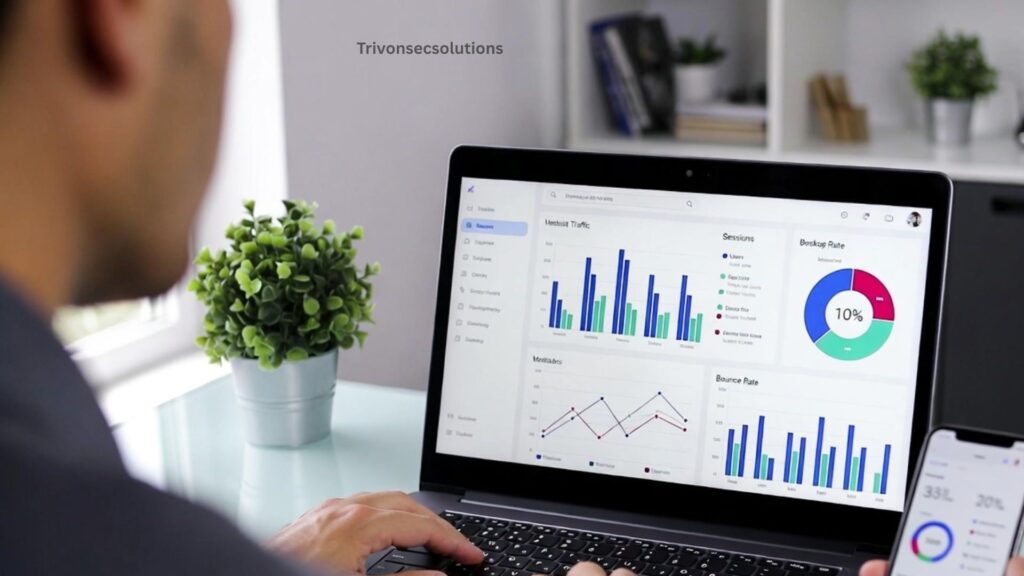
Google Analytics allows you to see traffic by device type.
Go to:
Reports → Tech → Device category
You’ll see:
- Mobile
- Desktop
- Tablet
If mobile traffic is high but engagement is low, that might mean your mobile experience is poor.
Common problems include:
- Text too small
- Slow page speed
- Poor layout
- Difficult navigation
Since Google uses mobile-first indexing, mobile performance directly affects SEO rankings.
Improving the mobile experience can significantly help your search visibility.
Use Analytics to Improve Content Strategy
One of the most underrated SEO uses of Google Analytics is content planning.
Instead of guessing what topics to write about, you can analyze existing traffic patterns.
Look for:
- Articles that attract the most organic visitors
- Topics with high engagement
- Categories that perform well
If a specific topic consistently attracts search traffic, that means people are actively searching for it.
That’s a signal to create more related content.
For example, if tutorials bring the most traffic, you could expand with:
- Beginner guides
- Advanced tutorials
- Problem-solving articles
- Tool comparisons
Analytics turns your content strategy into something data-driven rather than random.
Track SEO Growth Over Time
SEO is a long-term process.

You usually won’t see big results in a week or even a month.
Google Analytics helps track progress over time.
Look at traffic over:
- 3 months
- 6 months
- 12 months
Gradual growth in organic traffic is a strong indicator that your SEO strategy is working.
If traffic suddenly drops, that might signal:
- Google algorithm updates
- Technical issues
- Broken pages
- Lost rankings
Having historical data helps diagnose problems quickly.
Combine Google Analytics With Search Console
Although Google Analytics is powerful, it becomes even better when used together with Google Search Console.
Search Console shows:
- Keywords people search
- Your ranking positions
- Click-through rate
- Search impressions
Analytics shows what users do after they arrive.
Together they provide the full picture.
For example:
Search Console might show a page ranking for a keyword, while Analytics reveals users leave quickly after landing on it.
That means the page needs improvement.
Also Read: How to Optimize Your Content for Featured Snippets – 2026
Track Conversions From SEO Traffic
Getting traffic is good, but traffic alone doesn’t mean success.

Ideally, SEO visitors should also complete valuable actions such as:
- Signing up for a newsletter
- Downloading a resource
- Purchasing a product
- Contacting your business
Google Analytics allows you to track these events.
When you analyze which pages convert best, you can optimize other pages in a similar way.
Sometimes a page with lower traffic might actually generate more conversions than a high-traffic article.
Understanding this helps focus SEO efforts on pages that truly matter.
Fix Technical SEO Issues Using Behavior Data
Technical issues can quietly harm your SEO.
Google Analytics can reveal warning signs.
For example:
Sudden traffic drops
This may indicate:
- Broken pages
- Removed content
- Indexing issues
High exit rates
If many users leave from a specific page, there may be problems like:
- Poor user experience
- Slow loading time
- Confusing layout
Analytics doesn’t directly fix technical SEO, but it helps detect problems earlier.
Keep Checking Your Data Regularly
One common mistake website owners make is checking analytics once and forgetting about it.

SEO requires continuous monitoring.
You don’t need to analyze every metric daily, but checking your data weekly or monthly helps you notice trends.
Look for patterns like:
- Traffic growth
- Declining pages
- New high-performing articles
Small adjustments based on real data often lead to better SEO results over time.
Conclusion
Google Analytics is a powerful tool that helps you understand how visitors interact with your website. By analyzing organic traffic, user behavior, top-performing pages, and engagement metrics, you can make smarter SEO decisions. Instead of guessing what works, you use real data to improve content, fix weak pages, and enhance user experience. Over time, consistently monitoring and adjusting your strategy using analytics can lead to stronger search rankings and steady growth in organic traffic.
Frequently Asked Questions (FAQs)
Q. What is Google Analytics and why is it important for SEO?
Google Analytics is a free tool that tracks and reports website traffic. It helps website owners understand how visitors find and interact with their site. For SEO, it provides valuable data about organic traffic, user behavior, and page performance, which helps improve search rankings and content strategy.
Q. Can Google Analytics show which keywords bring traffic to my website?
Google Analytics itself does not show most keyword data because of privacy restrictions. However, you can connect it with Google Search Console to see the keywords users search for before visiting your site.
Q. How can Google Analytics help increase organic traffic?
It helps by showing which pages already attract search visitors. You can improve those pages by updating content, adding more information, improving internal links, and optimizing headings and keywords.
Q. What metrics should I focus on for SEO in Google Analytics?
Some important metrics include organic traffic, engagement rate, average engagement time, page views, and user behavior. These metrics help you understand how users interact with your content.
Q. How often should I check Google Analytics for SEO insights?
It’s a good idea to check your analytics data at least once a week or monthly. Regular monitoring helps you track SEO progress, identify traffic trends, and quickly notice any sudden drops in traffic.