

How to create Instagram ads for social media marketing success 2026… yeah, it sounds complicated, right? Honestly, it’s not as scary as people make it out to be. You don’t need to be some kind of expert, you don’t need a massive budget, and you definitely don’t need all the fancy marketing words that make your head spin. You can get decent results just by messing around, seeing what works, and tweaking along the way. I’ve done it a bunch of times—sometimes it fails miserably, sometimes it’s surprisingly awesome. That’s just how it goes.
Anyway, this guide is my attempt to explain it without all the polished, corporate-sounding stuff. So yeah, it’s a little messy, a little all over the place, but hopefully useful.
What Are Instagram Ads?
Alright, so basically, Instagram ads are posts that you pay to show to people who aren’t following you. Simple. You can either:
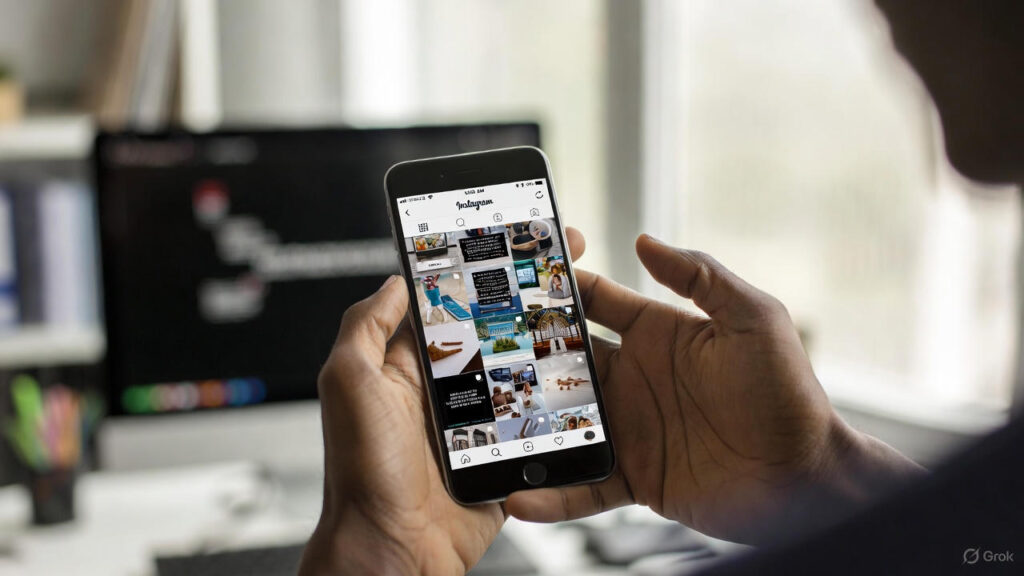
- Make a new post specifically for ads.
- Boost a post that’s already doing well (which is usually smarter).
Boosting a post is nice because, well, it’s already proven to get attention, so you’re not just throwing money at random stuff. And the cool part is… ads aren’t just in your feed anymore. They show up in Stories, Reels, Explore, even Facebook sometimes. Basically, Instagram is letting your stuff creep all over the place.
How Instagram Advertising Works
So, Instagram ads are powered by Meta (Facebook) data. Which is… kind of creepy if you think about it. But as a marketer, it’s kind of magical. They know what people like, where they scroll, what posts they click, what videos they watch, all that stuff. Your ads get shoved in front of the right people.
Here’s the basic process (don’t overthink it):
- Create an ad set. That’s just fancy talk for “set rules”: audience, budget, placements, schedule, bidding.
- Make your ad. Could be an image, video, carousel, whatever.
- Instagram algorithm does its thing. It decides who sees it and where it works best.
That’s it. Doesn’t feel like rocket science when you say it out loud.
Instagram Ads: How the Auction Works
Okay, this part confuses people. Instagram doesn’t sell spots like TV or magazines. It’s an auction. Every time someone scrolls, all the ads “compete” for that spot.
What matters:
- Bid amount – How much you’re willing to pay per click or impression. Not your whole budget, just per chance to show.
- Ad quality – If your ad looks cheap or boring, it’s not going to win. People will scroll past.
- Ad relevance – If your ad doesn’t match what people care about, they ignore it.
So basically, don’t think throwing money alone is gonna win. Quality + relevance + some budget = what works.
Also Read: How to Conduct Technical SEO Audit on Your Website in 2026
Instagram Ad Types and Formats
Instagram ads are no longer just boring square images (thank god). You can actually do a bunch of stuff now. Honestly, I like messing around with all of them to see what works.
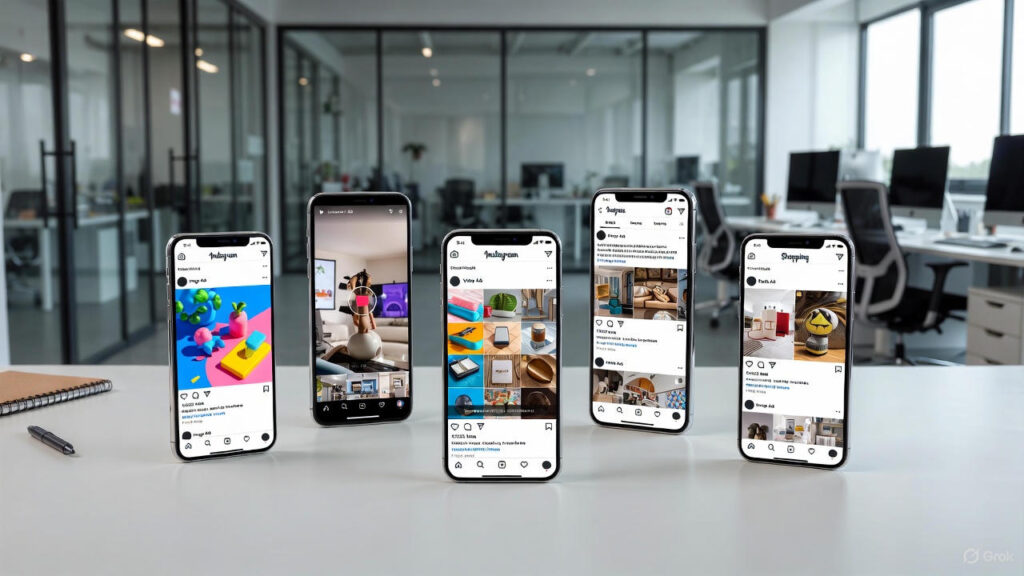
Image Ads
Single image, simple, easy. Good for:
- Showing a product
- Events
- Brand building
Tip: less text, more visual punch. Instagram users scroll too fast for walls of text.
Video Ads
Could be a few seconds or like… longer stuff. IGTV for hours if you want, but usually short is better.
- Feed: storytelling, demos
- Stories: immersive, disappears in 24h
- Reels: punchy, fast, keeps people watching
Mixing images and videos often helps. People like variety.
Carousel Ads
2–10 images or videos in one ad. Swipe through. Great for:
- Multiple products
- Storytelling
- Showing different angles
People tend to linger longer on carousels, which helps engagement.
Stories Ads
Full-screen, vertical. Can be images or video. You can run them for a week or more to reach more people.
Reels Ads
Short, full-screen. Max 60 sec. Hook them fast in first few seconds. Instagram wants people to watch, so longer watch = cheaper ad.
Explore Ads
Show up in Explore. People go here to find new stuff. You can target it, or just try to make content that naturally pops up there.
Shopping Ads
If you sell products, these are gold. Users can browse and buy directly. You’ll need Meta Commerce Manager and a product catalog. Collection ads are like carousels but focused on one main product.
Tools You’ll Need
Before spending money, make sure you have:
- Meta Business Suite – manage accounts, schedule posts, track ads
- Meta Ads Manager – your main ad dashboard
- Meta Commerce Manager – if you sell products
- Meta Audience Insights – see what your audience does
- Meta Events Manager – tracks website conversions
- Meta Creative Hub – design and test ad creatives
Meta Pixel is super useful. Tiny code on your website, tracks clicks/purchases so you can optimize ads. Don’t skip this.
Setting Up Instagram Ads
Checklist:
- Switch to Professional Account (business/creator)
- Connect Facebook Page
- Install Ads Manager (mobile or desktop)
- Set up payment (card or PayPal)
- Verify your website domain
Done? Good. You’re ready.
Creating Effective Campaigns
Here’s the messy way I do it:
1. Define Goals
What do you actually want?
- App installs
- Awareness
- Engagement
- Leads
- Sales
- Traffic
Your goal tells everything else: format, CTA, placement.
2. Identify Audience
Who are you talking to? Age, location, interests, lifestyle. You can also let Meta optimize via Advantage Detailed Targeting if you don’t wanna pick everything manually.
3. Choose Format
Image, video, carousel, Stories, Reels, shopping. Test before committing. Creative Hub helps here.
4. Write Copy
Talk like a human. Keep it short, clear, call-to-action. Pretend you’re texting a friend.
5. Add Tracking
Use UTM links. Bio link counts too. Track traffic and conversions.
6. Hashtag Strategy
Short, memorable, branded. Engage with anyone who uses it.
7. Set Budget
- Daily budget = spend X per day
- Lifetime budget = spend X over entire campaign
Pacing: standard or accelerated. Bidding: auto or manual. Test and see what works.
8. A/B Testing
Never trust your first ad. Test 2 versions with different images, headlines, videos. See which works, then double down.
Also Read: Role of Backlinks in SEO and How to Build Them in 2026?
8. A/B Testing
Test two versions of your ads to see what works best. Try different images, headlines, or videos to refine your campaigns.
How Much Does Instagram Advertising Cost?
Start tiny. $1/day small test, $5/day for slightly bigger. No max, but more money ≠ success. Test first, then scale.
FAQs
Is Instagram good for advertising?
Yep. Very visual, people scroll fast, easy to grab attention.
How to measure success?
Ads Manager shows clicks, reach, engagement, conversions. Don’t just look at likes.
Is Instagram good for B2B?
Sometimes. Works best with LinkedIn/Google Ads for comparison.
Can I run ads without Ads Manager?
Yeah, boost posts or use tools like Brandwatch, but Ads Manager gives full control.
Conclusion
Experiment, test, tweak. Meta changes things constantly. Give ads at least 2 weeks before judging. Try Reels, carousels, collection ads. Tiny tweaks—headlines, CTA—can make a big difference. Tools like Brandwatch help track everything. Start small, learn, scale. Done.