

Okay, so here’s the deal. Your Google Business Profile (used to be Google My Business, but now it’s officially called a Business Profile) is basically your online storefront. If someone’s thinking about checking out your shop, clinic, or whatever business you run, this is the first thing they see. It’s where people check your hours, find your location on Google Maps, look at reviews, maybe even peek at photos before deciding if they’re going to come in or buy something.
A well-optimized profile isn’t just a nice-to-have—it’s like free advertising. Businesses with complete and active listings get something like 70% more visits, and those visits? About half of them actually turn into sales. So yeah, it matters. And the good news is, unlike some complicated SEO stuff, this is actually doable without hiring a full-time wizard.
So in this post, I’m going to walk you through how to get your profile looking sharp in 2026. Step by step. No fluff. Just practical stuff that works.
Step 1: Claim and Verify Your Business Profile
First thing first—you gotta claim your profile. If you haven’t done this yet, seriously, stop reading and go claim it now.

Why? Because if you don’t verify your business, Google basically grabs info from wherever it can find it online. Old directories, sketchy review sites, maybe even someone else’s listing. Hours could be wrong, phone numbers wrong—it’s a mess. And surprisingly, more than half of businesses haven’t claimed their profile. Don’t be part of that statistic.
Ways to verify:
- Postcard: Google mails a code to your address. Takes a few days.
- Phone or Email: Some businesses can do this instantly if Google already has your info.
- Video Call: Yeah, they might ask you to show your shop, your sign, or the inside of your business on a live call.
Once you do this, Google trusts you more, customers see accurate info, and your business starts showing up properly in local searches.
Step 2: Complete Every Section of Your Profile
Half-finished profiles? They’re basically invisible. Imagine a shop with a dusty, unreadable sign—people just walk past.
Make sure your NAP—name, address, phone—is correct. Double-check your website, hours, all that. Then fill in the other sections:
- “From the Business” description: Keep it simple, clear, maybe even a little personality. Don’t overthink.
- Products or services: List everything you offer, don’t leave gaps.
- Attributes: Things like “Pet-friendly,” “Wheelchair accessible,” or “Free Wi-Fi.” Small but important.
- Q&A section: Start adding questions and answers even before anyone asks—they’ll get helpful info faster.
Basically, Google likes full profiles because it knows exactly what you do. And the more Google knows, the better your profile appears in relevant searches.
Also Read: How to Use Schema Markup to Boost Your SEO (Updated 2026)
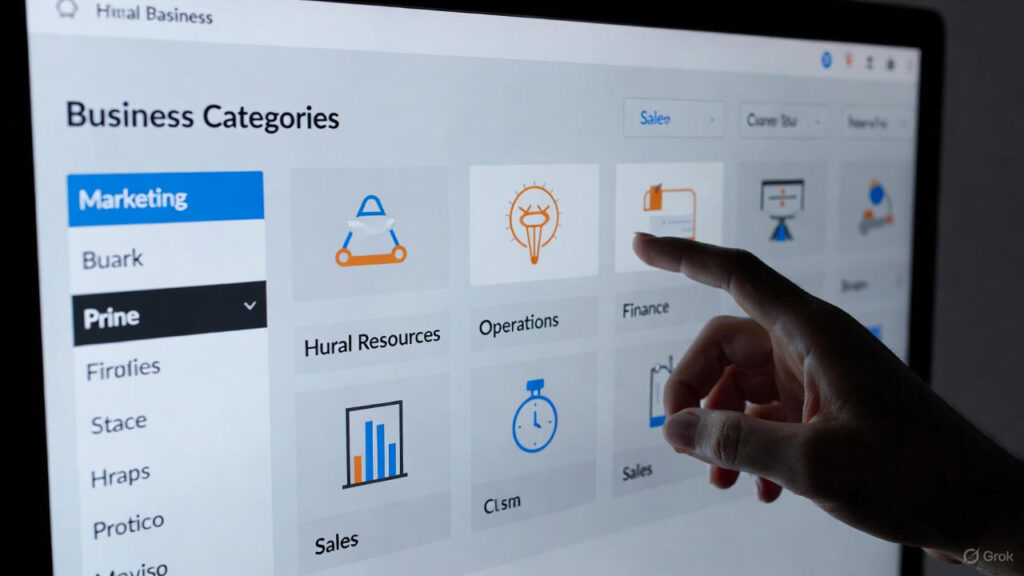
Step 3: Choose the Right Categories and Attributes
Categories are huge. Think of this like telling Google, “Hey, this is exactly what I do.” Because if your category is off, Google might not show you when people are actually searching for you.
Most people see your profile from discovery searches—searches like “dentist near me,” not your business name. That’s why picking the right category is super important.
- Main category: Pick the one that fits your primary business. Chiropractor? Chiropractor.
- Secondary categories: Add related services. Maybe “Massage Therapist” or “Acupuncturist.”
And don’t forget attributes—these are the little extras. They make your listing more attractive and give customers a better idea of what to expect: things like “Wheelchair Accessible” or “Online Appointments Available.”
Step 4: Keep Your Contact Info Consistent
Your business name, address, and phone number should be exactly the same everywhere. Website, social media, Yelp, directories… all of it. Even tiny differences like “St.” vs. “Street” can throw Google off.
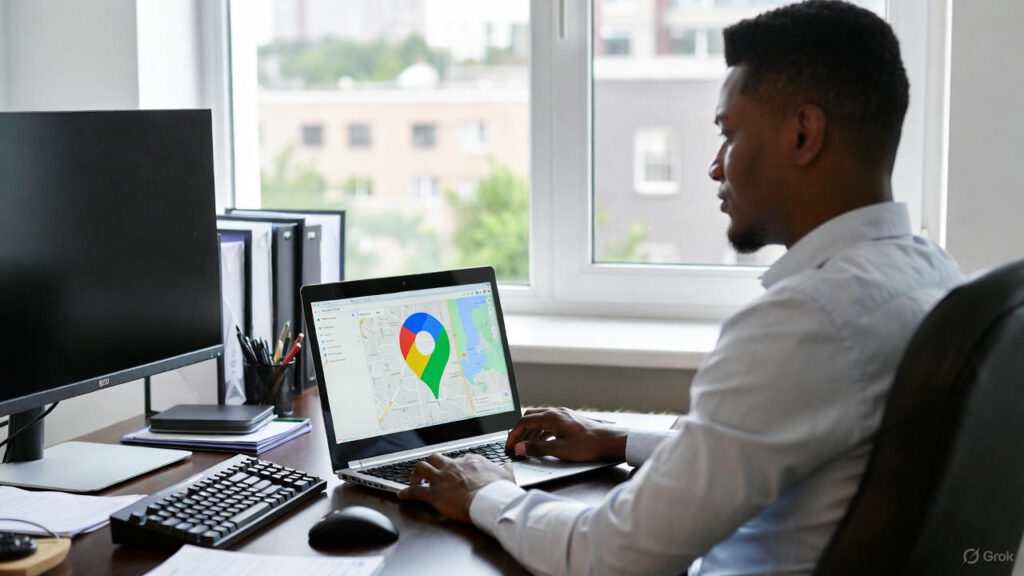
Check it regularly. Moved locations? Changed your number? Updated hours? Make sure everywhere online reflects that. Consistency builds trust—both with Google and with customers.
Step 5: Add Great Photos and Videos
People trust what they can see. Photos and videos make your profile more inviting and real.
Some stats here: businesses with 100+ photos get 520% more calls and 1,065% more website clicks than businesses with only one photo. Yeah, that’s huge.
Mix it up:
- Exterior shots (so people can recognize your location)
- Interior shots (so they feel comfortable)
- Team photos (because people like seeing the humans behind the business)
- Product or service photos
- Short videos—like a quick tour or behind-the-scenes peek
Visuals make your profile look alive and approachable.
Step 6: Respond to Customer Reviews
- Reviews are huge. They build trust and can influence buying decisions.
- Encourage happy customers to leave reviews—maybe a small incentive, like a discount next visit or entry into a giveaway.
- And respond to reviews. Good or bad. Thank people for positive feedback. Handle negative feedback professionally. Showing you care goes a long way. People notice that.
Step 7: Use Google Posts for Updates and Promotions
Google Posts are basically mini posts on your profile. You can share deals, news, events, or updates.
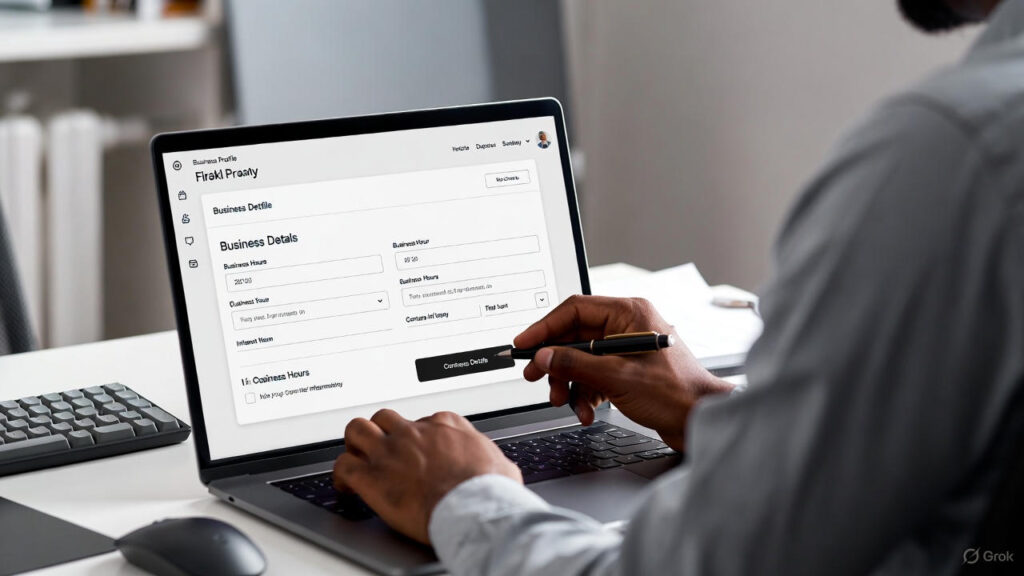
Posts vanish after seven days (except events), so keep posting regularly. Short, catchy text, a clear call to action like “Book Now,” and an eye-catching image will do the trick.
Posting regularly shows Google—and your potential customers—that your business is active and legit.
Step 8: Use the Q&A Section
The Q&A section is like your FAQ, but better because people can interact. Add questions customers might have—hours, services, booking info, parking… whatever.
Keep an eye on it though, because anyone can answer questions, not just you. Make sure the info stays accurate.
Also Read: The Importance of Internal Linking for SEO – (Updated 2026)
Step 9: Highlight Your Products and Services
Your profile is more than just a listing—it’s a mini-storefront. Add products or services with clear descriptions, and pricing if possible.
Update this section often. New seasonal offers? Add them. New service? Add it. Customers want up-to-date info, and Google likes fresh content.
Step 10: Track Performance with Google Insights
After your profile is optimized, start looking at Insights. This is Google’s data for your listing.
You’ll see:
- What search terms people used to find you
- Customer actions—calls, clicks, direction requests
- Engagement—views of posts, photos, etc.
Use this info to tweak and improve your profile. Data-driven adjustments keep your profile competitive.
Why a Google Business Profile Matters
- Boosts Local Search Visibility
A complete profile helps you show up in Google Maps and local searches. Especially in the Local Pack—the top three listings. - Increases Customer Engagement
Reviews, posts, Q&A—they make it easy for customers to interact. - Drives More Website Visits and Calls
Profiles with complete info get up to 35% more website clicks. Buttons like “Call Now” make it easy to act fast. - Builds Trust
Responding to reviews and keeping info accurate makes you look professional. - Helps with Voice Search
Almost half of voice searches are local. Detailed, updated profiles help you show up when someone says, “Hey Google, find a coffee shop near me.” - Gives Insights
Google’s analytics show what people search for, helping you improve your strategy.
Maximize Your Local Search with iMatrix
A good Google Business Profile = more visibility, traffic, and customers. Claiming it, adding photos, managing reviews, posting updates—it all adds up.
At iMatrix, we help chiropractors, vets, and eye care pros boost local SEO and stand out online. Whether it’s optimizing your profile or doing full digital marketing, we help you reach more customers and grow your practice.
FAQs
Is it worth adding products?
Yes. Makes your profile more engaging and shows what you offer.
Do Google Posts help SEO?
Not directly, but active posts help you appear more in searches.
Is this off-page SEO?
Yep. It’s part of your online presence outside your site and affects local rankings.
Do Google Posts expire?
Yes, most expire after seven days (events don’t). Keep posting.
How often should I post photos?
At least once a week. Fresh images = higher engagement and visibility.